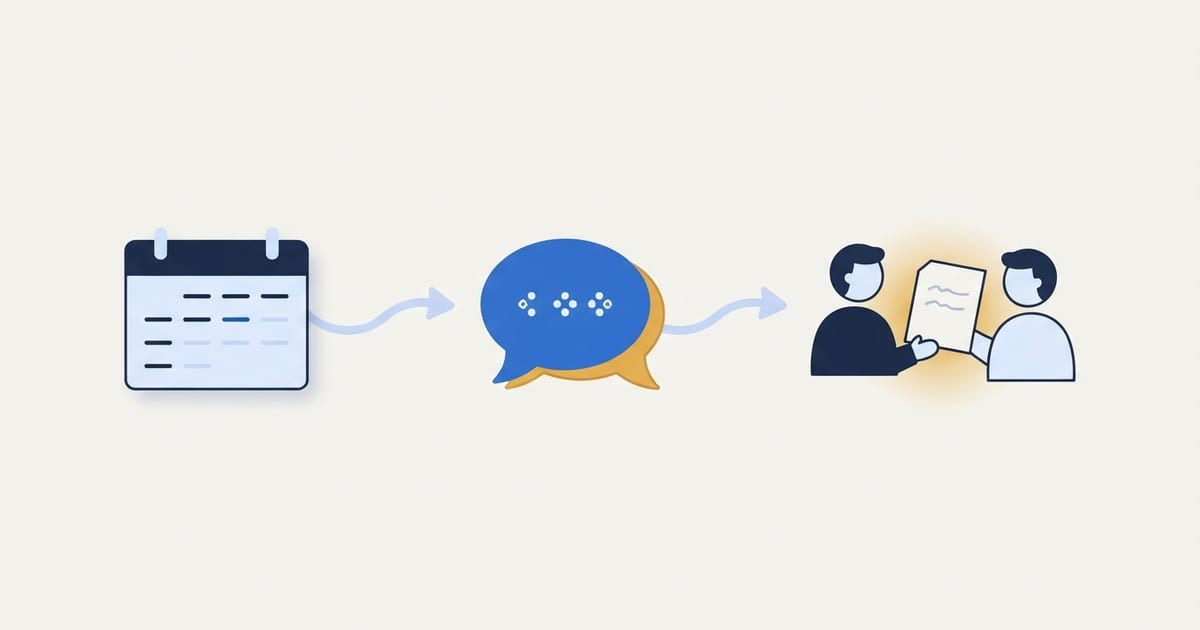
Automate appointment follow-up by using the completed appointment as a trigger, choosing a message that matches the meeting type, and recording whether a follow-up has already been sent. The message should recap the agreed next step and give the customer an easy way to reply. Complaints, objections, and changes to scope should go to a person.
Which appointments need a follow-up?
Separate sales calls, service visits, consultations, and existing-client reviews. Their next steps differ. A sales call may need a proposal, a service visit may need a completion summary, and a client review may need documents or decisions. One generic “Thanks for meeting” message can make the business look inattentive if it ignores what happened.
Start with one appointment type that happens regularly and has a predictable next step. Review a few real meetings and note what the team already sends manually. The free customer inquiry automation guide helps map the earlier part of this same relationship.
What should trigger the message?
Use a status that means the appointment actually took place. A calendar end time alone does not tell you whether the customer attended, the visit was canceled, or the team postponed it. If your calendar or project tool has a reliable “completed” state, use it. Otherwise, a staff member may need to mark the outcome before an automatic message is queued.
Set a reasonable delay so the meeting owner can add notes or stop an inappropriate message. A fixed delay should reflect the work, not simply the automation tool's default. If the appointment ended with an urgent issue, a person should respond promptly rather than waiting for a routine sequence.
What should the message say?
Keep it short and specific: thank the customer, name the agreed next step, identify who owns it, and explain how to reply. Use only details the system can verify. A template can insert the service name and follow-up link; it should not invent a decision from an incomplete meeting note.
For example, after a consultation, a message could confirm that the team will send a scoped proposal and ask the customer to share a missing document through the agreed channel. If the proposal is not yet approved internally, do not promise an exact price or delivery date. For Pinstripe clients, Pinstripe Sync provides a private place to exchange documents after a meeting.
How do you avoid duplicate or wrong messages?
Store a sent status tied to the appointment's unique ID. When a workflow retries, check that status before sending again. Also check the latest appointment state just before delivery. A canceled or rescheduled meeting should not receive a “Great speaking with you” note because an old event remained in a queue.
Test the workflow with a completed meeting, a canceled meeting, a rescheduled meeting, and a retry after a temporary error. Send test messages to your team first. A system that works only on the happy path can create more customer confusion than the manual process it replaced. Our launch automation article explains why choosing a clean event matters.
When should a person take over?
Route a reply to a person when it includes a complaint, pricing objection, refund request, change in scope, or private information. The automation can create a task and include the conversation link, but it should not keep sending the same sequence while a customer is waiting for a considered answer.
Make that handoff visible to the meeting owner. If an automated reminder is scheduled, pause it when a person takes over. Nothing erodes trust faster than a business sending “just checking in” after the customer has already explained the problem.
How do you build the first version?
- Choose one appointment type with a consistent next step.
- Define the status that confirms the meeting happened.
- Draft a short message with only reliable fields.
- Add a sent marker and a way to cancel queued messages.
- Test completed, canceled, rescheduled, and failed cases.
- Assign an owner to review replies and errors.
Begin with one message, not a long sequence. If customers respond well and the team can handle replies, add a reminder only when it serves a clear purpose. Our automation service helps businesses connect the follow-up to their actual scheduling and customer records.
What should you measure?
Track whether the promised next step happened, whether customers replied, whether duplicate messages were prevented, and how quickly a person handled exceptions. An open rate or count of emails sent says little about the quality of the relationship. Review actual conversation threads for tone and accuracy.
| Check | What to look for |
|---|---|
| Correct trigger | Only completed appointments received the note. |
| Useful content | The next step matched the meeting outcome. |
| Human handoff | Replies with objections reached an owner. |
| Reliability | Retries did not create duplicate sends. |
The Pinstripe learning center has more free resources on customer communication and workflows.
Frequently Asked Questions
Should every appointment receive an automatic follow-up?
No. Start with meeting types that have a clear next action and reliable completion status. Sensitive or unusual meetings may need a personal message.
How soon should the message go out?
Choose a delay that lets the meeting owner record the outcome and stop an unsuitable message. Urgent commitments should still be handled by a person.
Can AI write the recap?
It can draft text from approved notes, but a person should review any claim about price, scope, deadlines, or customer decisions before it is sent.
What if the customer replies to the automated message?
Route the reply to a monitored inbox or task owner. Do not treat a delivered message as the end of the conversation.
If your team finishes a good appointment and then loses track of the next step, contact Pinstripe. We can design a follow-up that fits your workflow.
Free download, no email required
Automation Audit Scorecard
Score your recurring tasks by cost, readiness, and effort to see what to automate first and what to standardize before automating.
How to use it