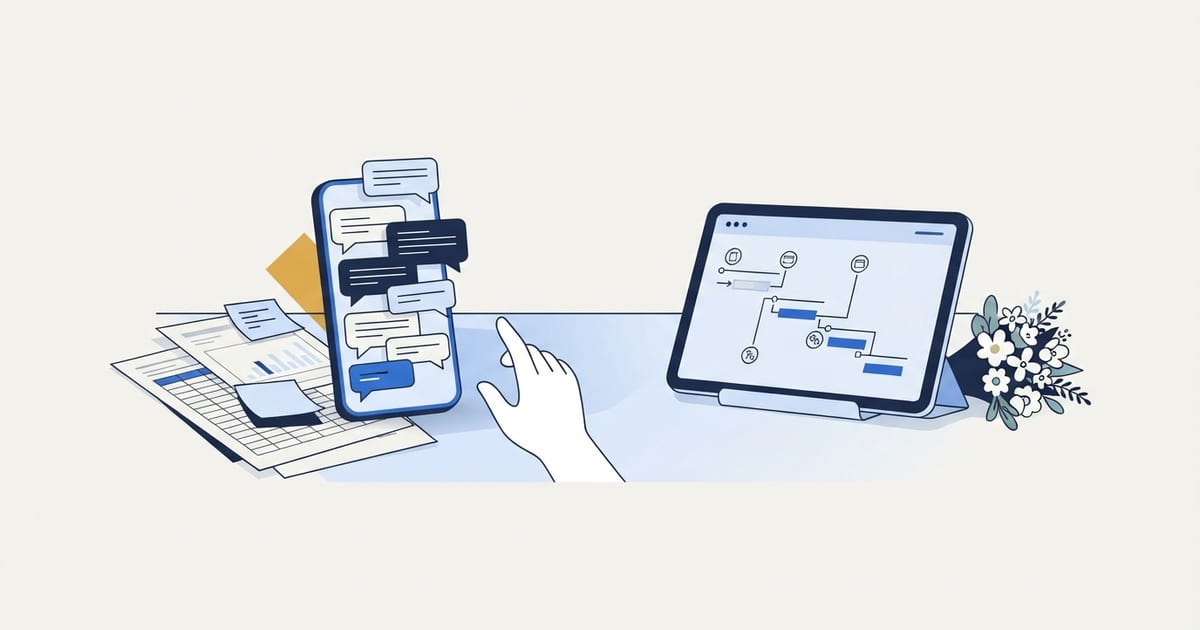
We built Simplyweds, a wedding coordination platform, because a wedding coordinator was running her entire operation out of spreadsheets, group texts, and memory, and that setup breaks down once several people need the same schedule and it keeps changing. The same thing happens in any small business. When shared, fast-moving information lives in spreadsheets and text threads, nobody can be sure which version is current, and the fix is one authoritative place built around how the work actually happens.
Evette Santos coordinates weddings. She is very good at it, and she was running the entire operation out of spreadsheets, group texts, and memory.
That works right up until it does not. Two weddings in the same month, one vendor arrival time changed on a phone call, and suddenly the version in the shared folder is wrong and nobody knows it yet.
The Failure Was Never Effort
When a business run on spreadsheets starts dropping details, the cause is almost never how hard the owner is working. This is the part owners get wrong when they blame themselves. She was not disorganized. She was carrying a system in her head because no system existed outside of it.
Wedding coordination has the same shape as field service work. A hard deadline that cannot slip, multiple independent parties who each need the current version of one schedule, and no room to recover if information goes stale. We see the identical pattern in cleaning, landscaping, and production work, which is why we wrote business systems for small business the way we did.
If your business has that shape, working harder does not close the gap. It just puts more of the system in one person's memory.
What Was Actually Breaking
The breakdowns fell into four groups:
- Timeline versions. Three vendors working from three different run of show documents.
- Contact sprawl. Phone numbers living in texts, contracts, and a notes app.
- Handoff friction. Every question routed through one person because only she knew where things were.
- Repetition. Rebuilding the same structure from scratch for every wedding.
In any business, each of those costs time that never shows up on a report. It just makes the work feel harder than it should be.
What Did We Build Instead?
Simplyweds keeps everything for a single wedding in one place. Timeline, vendors, guest details, and the day-of run of show, with one authoritative version.
We deliberately did not build a generic project management tool. Coordinators do not think in tasks and sprints. They think in a run of show that counts backward from the ceremony. The software follows how the work actually happens, which is the difference between a tool someone uses and a tool someone abandons in week two.
If you want the operational breakdown of the role itself, we covered it in what a day-of wedding coordinator actually does.
How Do You Know Your Business Has Outgrown Its Spreadsheets?
You have outgrown spreadsheets when the information in them is shared, changes often, and has a deadline attached, and you can no longer be sure everyone is looking at the current version. The four failures above are the clearest warning signs, and they show up well outside weddings.
| What you notice | What it usually means |
|---|---|
| Files named "final," "final v2," and "use this one" | There is no single authoritative version, so people guess. |
| Key details live in texts, email, and notes apps | Information is sorted by how it arrived, not by the job it belongs to. |
| Every question comes to you | The system lives in your head, and you are the bottleneck. |
| Each new job starts from a copied or blank file | The process repeats, but it has never been captured. |
| Customers or vendors catch mistakes before you do | Changes are not reaching the people who need them in time. |
| You type the same information into two or three places | Your tools are not connected, so people do the connecting by hand. |
One or two of these is normal. Three or more, especially in your busy season, usually means the business has grown past what a spreadsheet can hold. Our post on signs your business is ready for workflow automation covers the automation side of the same question.
What Should You Move Out of the Spreadsheet First?
Move the information that several people need at the same time and that changes often. For most service businesses, that is the schedule. Everything else can wait.
- The live schedule. Whatever your version of the run of show is (the job calendar, the crew schedule, the production queue), it needs exactly one current version that everyone reads from.
- Contacts attached to the job. The people involved in a job should live with that job, not scattered across phones and inboxes.
- The repeatable structure. If you rebuild the same checklist or timeline for every job, turn it into a template that starts filled in.
- Ownership and handoffs. Decide who owns each piece and write it down, so questions stop routing through one person.
Leave the rest alone. Spreadsheets are still good for analysis, budgets, forecasts, and lists only you touch. The goal is to stop using them for shared, changing information, not to get rid of them.
What Should a Purpose-Built System Actually Do?
A good system holds one authoritative version of each job and matches the way your team already thinks about the work. Whether it is off-the-shelf software, a few connected tools, or something built for you, it should:
- Organize around your unit of work. A wedding, a job, a project, an order. Everything about it lives in one place.
- Keep one current version. When something changes, everyone sees the change without a group text.
- Use the language of the work. If your team thinks in a run of show, a route, or a production step, the system should too, not in generic tasks.
- Start new jobs from a template. The structure you rebuild every time should already be there.
- Connect to the tools you already use. Calendars, email, and accounting should share information instead of having it retyped.
Often the answer is not another app but getting the tools you already pay for to work together, which is the argument behind why your business probably does not need more software. Connecting those tools is what our automation service is for.
The Lesson That Applies Outside Weddings
Before we wrote a line of code we asked what she would do if the app did not exist. The answer described the real system. Software should encode a process that already works, not invent one and hope the business adapts.
That is also why plenty of our engagements end without any software at all. Sometimes a written scope, a shared calendar, and one clear rule about who owns the schedule solves the whole thing. See how we work for what that looks like, and our guide on how to build systems for a small business for writing the process down before you choose any tool.
If Your Business Lives in a Spreadsheet
Ask yourself one question. If you were unreachable for three days, could someone else run the next job correctly using only what is written down?
If the answer is no, the spreadsheet is not your system. You are.
The test is useful because of the list it produces. Walk through your next job and write down every question someone would have to call you about: where the current schedule is, who the contact on site is, what changed last week. That list is what to move first.
Frequently Asked Questions
Is a spreadsheet ever enough to run a small business?
Yes, for information one person owns that does not change often, like a budget, a price list, or a forecast. It stops being enough when several people need the current version of something that keeps changing, like a schedule.
Should I buy software or have something custom built?
Start by checking whether existing tools fit how your work actually happens. If they force your team into terms that do not match the work and people stop using them, a purpose-built tool is worth considering. Either way, write the process down first.
What is a single source of truth?
It is the one place where the current version of a piece of information lives. Everyone reads from it and updates it, and every other copy either points to it or gets deleted.
How do I move off spreadsheets without disrupting the business?
Move one piece at a time, starting with the shared schedule, and try the new setup on a single upcoming job before switching everything over. Make the old spreadsheet read-only so nobody updates two places.
If you ran the three-day test and did not like the answer, let's talk about fixing that. We work with small businesses across Long Island and remotely, and sometimes the fix is a clearer process rather than new software.
Free download, no email required
Automation Audit Scorecard
Score your recurring tasks by cost, readiness, and effort to see what to automate first and what to standardize before automating.
How to use it