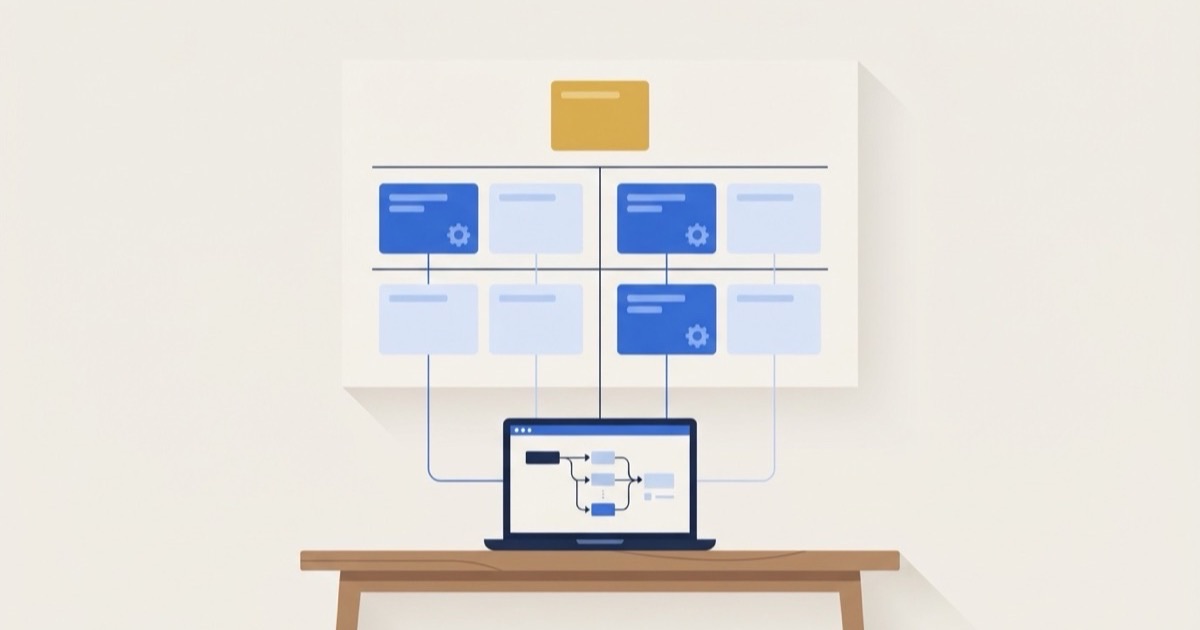
Automate first the task that costs you the most each year and is also easy to automate: one that happens often, follows the same steps every time, starts from data that is already digital, and can be handled by software you already pay for. Invoicing after a job, appointment reminders, and receipt capture usually qualify. Tasks that are expensive but messy, like building a crew schedule, need a written process before they need software.
The way to find that task is not to shop for tools. It is to list your recurring work, put a rough dollar cost on each item, and score how ready it is. An hour of that beats a month of free trials.
Why Starting With the Tool Goes Wrong
Most automation projects that stall started the same way: someone saw a demo, bought the software, and then went looking for a problem it could solve. Three things tend to happen next.
- The easy thing gets automated, not the expensive thing. A tool is good at what it is good at, and that may be a task that takes ten minutes a week.
- A messy process gets automated as is. Automation repeats whatever steps you give it. If the task is done three different ways, you now have errors arriving faster.
- Nobody measures the result. Without a before number, there is no way to tell whether it worked.
Step 1: List Every Recurring Task
For two weeks, keep a running list of anything that happens more than once a month. Ask everyone on the team to add to it. Look especially for:
- Copying information from one app into another
- Reminders and follow-ups sent by hand
- Reports someone builds in a spreadsheet each week or month
- Data entry from emails, PDFs, or paper
- Anything that has a "usual way" someone does it
Step 2: Put a Cost on Each One
For every task, estimate four things: how many times a month it happens, how many minutes it takes, the hourly cost of whoever does it, and how often it goes wrong and what a mistake costs. A missed follow-up that loses a $150 lead is a real cost, even if nobody sends an invoice for it.
The annual cost is the time, at that person's hourly cost, plus the cost of the mistakes, times twelve. Rough numbers are fine. You are ranking tasks against each other, not writing a budget.
Step 3: Score Readiness and Effort
Rate each task from 1 to 5 on three things:
- Rules: does it follow the same steps every time (5), or take judgment every time (1)?
- Data: does the input arrive in a form or app with consistent fields (5), or on paper and phone calls (1)?
- Effort: is it a setting in software you already have (1), or custom development (5)?
Readiness is the average of rules and data. Priority is annual cost times readiness, divided by effort. Then sort.
What It Looks Like
Here are six recurring tasks at a hypothetical service business, scored and sorted.
| Task | Annual cost | Readiness | Effort | Verdict |
|---|---|---|---|---|
| Send invoices after each job | $4,320 | 4.5 | 1 | Automate first |
| Reply to website quote requests | $10,800 | 3.5 | 3 | Plan the project |
| Enter receipts into QuickBooks | $2,340 | 3.5 | 1 | Automate first |
| Remind customers the day before a visit | $2,760 | 5 | 2 | Automate first |
| Build next week's crew schedule | $6,240 | 2.5 | 4 | Standardize first |
| Chase unsigned estimates | $720 | 4 | 2 | Leave it manual |
Two things stand out. The most expensive task, replying to quote requests, is not first, because doing it well takes a real project: a form that captures the right details, a connection to the CRM, and probably an assistant that can answer common questions. Invoicing goes first because it returns more for each unit of effort and can be switched on this week.
And the crew schedule, which costs over $6,000 a year, is not ready to automate at all. It is built differently every week from texts and memory. Scheduling software will not fix that. A written set of rules for how the schedule gets built will, and then it can be scored again.
What the Four Verdicts Mean
- Automate first: ready, worth it, and easy. Usually a built-in feature, such as automatic invoice reminders in QuickBooks or appointment texts in your scheduling app, or a simple Zapier or Make workflow.
- Plan the project: ready and worth it, but it needs a connector, some custom work, or a change of tools. Do it after the quick wins, with a clear scope.
- Standardize first: the process is not consistent enough yet. Write down the steps, run them the same way for a month, then score it again.
- Leave it manual: ready, but it costs less than about $1,500 a year. Not worth a project until the volume grows.
Step 4: Automate One Thing, Then Measure
Pick the top task and do only that one. After a month, compare the time spent and the errors to your estimate. If it saved what you expected, move to the next one. If it did not, find out why before building anything else. This keeps automation from turning into a pile of half-finished workflows that someone has to babysit.
For a list of the areas where small businesses usually find the most to automate, see which business processes to automate first. If your books are the bottleneck, the QuickBooks Online automation guide covers the built-in features most businesses never turn on.
A Free Scorecard to Run the Audit
We turned this method into a free automation audit scorecard. It is a spreadsheet with one row per task: enter the frequency, time, hourly cost, error cost, and three scores, and it calculates the annual cost, priority, verdict, and rank as you type. It comes with a printable rubric and worksheet for doing it in a team meeting.
Frequently Asked Questions
What is the easiest thing for a small business to automate?
Usually something your existing software already does and nobody turned on: invoice reminders, recurring invoices, appointment confirmations, or bank feeds and receipt capture in QuickBooks. These take minutes to set up and pay back immediately.
Do I need Zapier to automate my business?
Not to start. Check the settings in the tools you already pay for first. Zapier or Make become useful when you need two apps to talk to each other, such as sending a website form into your CRM and your email list.
How much does business automation cost?
Built-in features are free with software you already have. Zapier and Make start with free tiers and move to tens of dollars a month. Custom integrations cost more and should be saved for tasks with a large annual cost, which is exactly what the scorecard identifies.
Can automation replace an employee?
Rarely all of one. It usually takes the repetitive part of several people's jobs and gives that time back for work that needs judgment, like customer conversations and quality checks.
If you want help building the top of your list, our automation service starts from a scorecard like this one and builds with the tools you already use.
Free download, no email required
Automation Audit Scorecard
Score your recurring tasks by cost, readiness, and effort to see what to automate first and what to standardize before automating.
How to use it